

Simple Planner
Editable Family Photo Christmas Card - Winter Spirit Canva Template
Editable Family Photo Christmas Card - Winter Spirit Canva Template
Couldn't load pickup availability
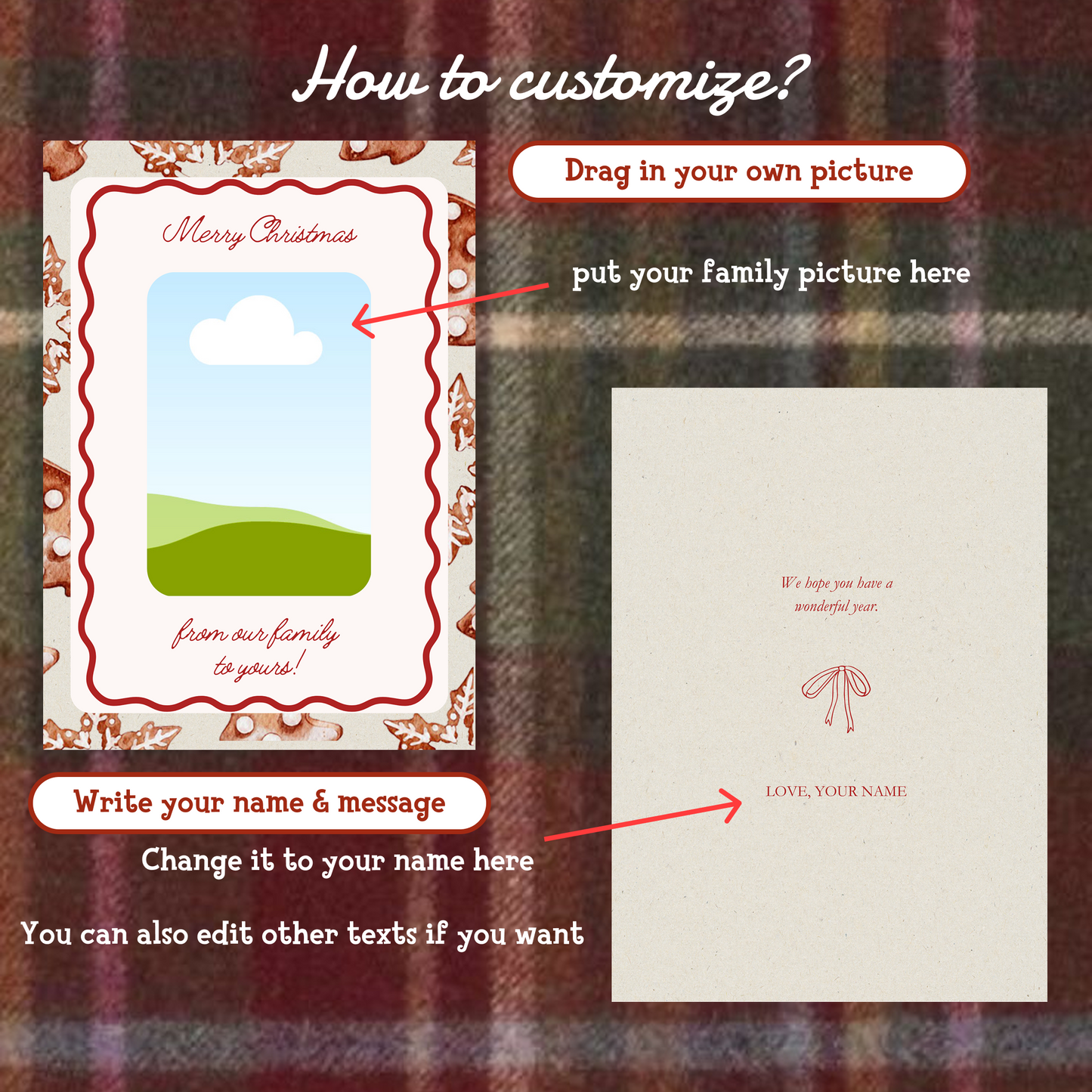
This editable family photo Christmas card Canva template makes holiday greetings simple: drop in your favorite family photo, type your message, and you have a card ready to print or send in minutes. The Winter Spirit design pairs a hand-drawn Christmas illustration with clean photo and text placement, so it works for family cards, notes to friends and co-workers, or last-minute wishes when December sneaks up on you.
You get one editable Christmas card template with fully customizable text, colors, and design elements. The design is high resolution, so it holds up whether you print at home, order prints from a shop, or share it digitally by email or chat. Because the template is reusable, you can come back every year, swap the photo, and write a new message — one purchase covers many Christmases.
Editing happens in Canva, in the browser or the Canva app, and a free Canva account is all you need. No design experience required — the layout is beginner-friendly, and every element can be moved or restyled if you want to make it your own.
After checkout you receive an instant download link on the order confirmation page and by email. The file arrives as a ZIP; unzip it, follow the included link into Canva, and start editing right away, with lifetime access to your files.
Please note: as an instant digital download, this template is non-refundable once the files have been accessed.
Share

Frequently asked questions
How do I get my files after purchase?
After you complete your checkout, you’ll see a download link on the order confirmation page.
You’ll also receive a confirmation email with the same download link.Click the link to instantly download your files to your device. It will be a zip file(since it contains multiple files),please unzip it~
Didn’t get the email?
Check spam/junk folders. Still missing? Contact us — we’ll resend or provide a Google Drive link.
Why is it a ZIP file? How do I unzip it?
It needs to be a zip file to include multiple PDFs, PNGs, or fonts).
Here’s how to open it 👇
- Mac: Double-click to unzip automatically.
- Windows: Right-click → “Extract All” or open with WinRAR / 7-Zip.
- iPad / iPhone: 1. Open the Files app, then find the ZIP file or archive you want to uncompress.2. Tap the ZIP file or archive. A folder will be created containing the files(and u can see the files inside now~)
How to import the planner into my device?
Take Goodnotes as example,There are several ways to import:
- 、Open GoodNotes → tap “+” → Import → choose your downloaded file (from Files / iCloud / Dropbox).
- Or open your file in Files / Mail / Safari → tap “Share” → Open in GoodNotes / Copy to GoodNotes.
- You can also upload to your Drive or Dropbox, then open from there inside GoodNotes.
You can find a more detailed tutorial in our blog posts↓
More questions?
Our Blog has more how-to guides (and we’re still adding new ones!) — go take a look 💕