Skip to product information
1 of 3

Simple Planner

Animal Crossing Inspired 2026 Digital Planner | 118pages,28templates Cozy Aesthetic Journal

Animal Crossing Inspired 2026 Digital Planner | 118pages,28templates Cozy Aesthetic Journal

Regular price $7.85 USD
Regular price $22.50 USD Sale price $7.85 USD
Sale Sold out
Shipping calculated at checkout.

✨ Bring the cozy charm of Animal Crossing into your daily life with this 2026 Digital Planner! ✨
Perfect for fans of the beloved game, this planner is packed with practical layouts and cute illustrations to keep you organized and inspired for an entire year and more (January 2026 – December 2026).

💡 Features:

  • 📅 12 Months Covered: From Jan 2026 to Dec 2026, with monthly & weekly pages
  • 🪴 Multi-functional sections:
  • Self-care Journal
  • Budget Tracker
  • To-Do Lists
  • Free Notes
  • Book Log
  • Travel Planner
  • 🎨 Animal Crossing-inspired cozy designs with seasonal vibes
  • 🔗 Hyperlinked tabs for smooth navigation
  • 📱 Compatible with Goodnotes, Notability, Xodo & other annotation apps
  • ♻️ Reusable forever – no more running out of pages!

🌻 Whether you’re tracking habits, planning your week, or dreaming up adventures, this planner brings a little Stardew magic to every day.

👉 Instant Download after purchase – start planning right away!

View full details

Frequently asked questions

How do I get my files after purchase?

After you complete your checkout, you’ll see a download link on the order confirmation page.

You’ll also receive a confirmation email with the same download link.Click the link to instantly download your files to your device. It will be a zip file(since it contains multiple files),please unzip it~

Didn’t get the email?

Check spam/junk folders. Still missing? Contact us — we’ll resend or provide a Google Drive link.

Why is it a ZIP file? How do I unzip it?

It needs to be a zip file to include multiple PDFs, PNGs, or fonts).

Here’s how to open it 👇

  • Mac: Double-click to unzip automatically.
  • Windows: Right-click → “Extract All” or open with WinRAR / 7-Zip.
  • iPad / iPhone: 1. Open the Files app, then find the ZIP file or archive you want to uncompress.2. Tap the ZIP file or archive. A folder will be created containing the files(and u can see the files inside now~)
  • Android: Use Files by Google or any unzip app (like ZArchiver).

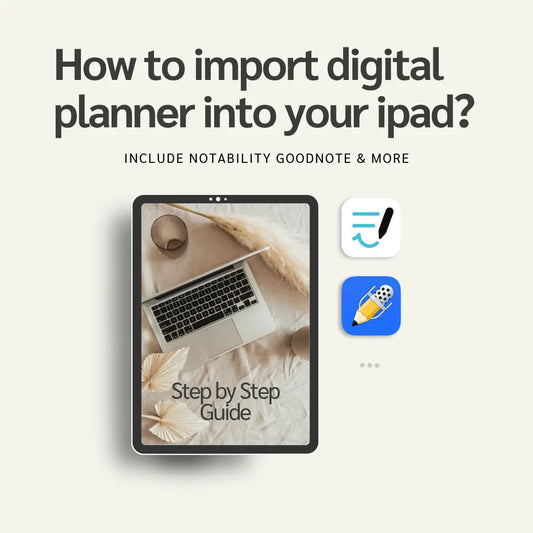
How to import the planner into my device?

Take Goodnotes as example,There are several ways to import:

  • 、Open GoodNotes → tap “+” → Import → choose your downloaded file (from Files / iCloud / Dropbox).
  • Or open your file in Files / Mail / Safari → tap “Share” → Open in GoodNotes / Copy to GoodNotes.
  • You can also upload to your Drive or Dropbox, then open from there inside GoodNotes.

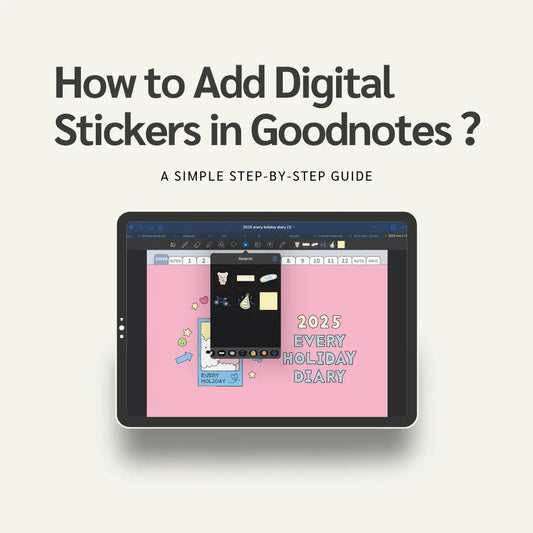
You can find a more detailed tutorial in our blog posts↓

More questions?

Our Blog has more how-to guides (and we’re still adding new ones!) — go take a look 💕