

Simple Planner
🎄 Editable Family Photo Christmas Card (Christmas Stripe)Canva Template
🎄 Editable Family Photo Christmas Card (Christmas Stripe)Canva Template
Couldn't load pickup availability
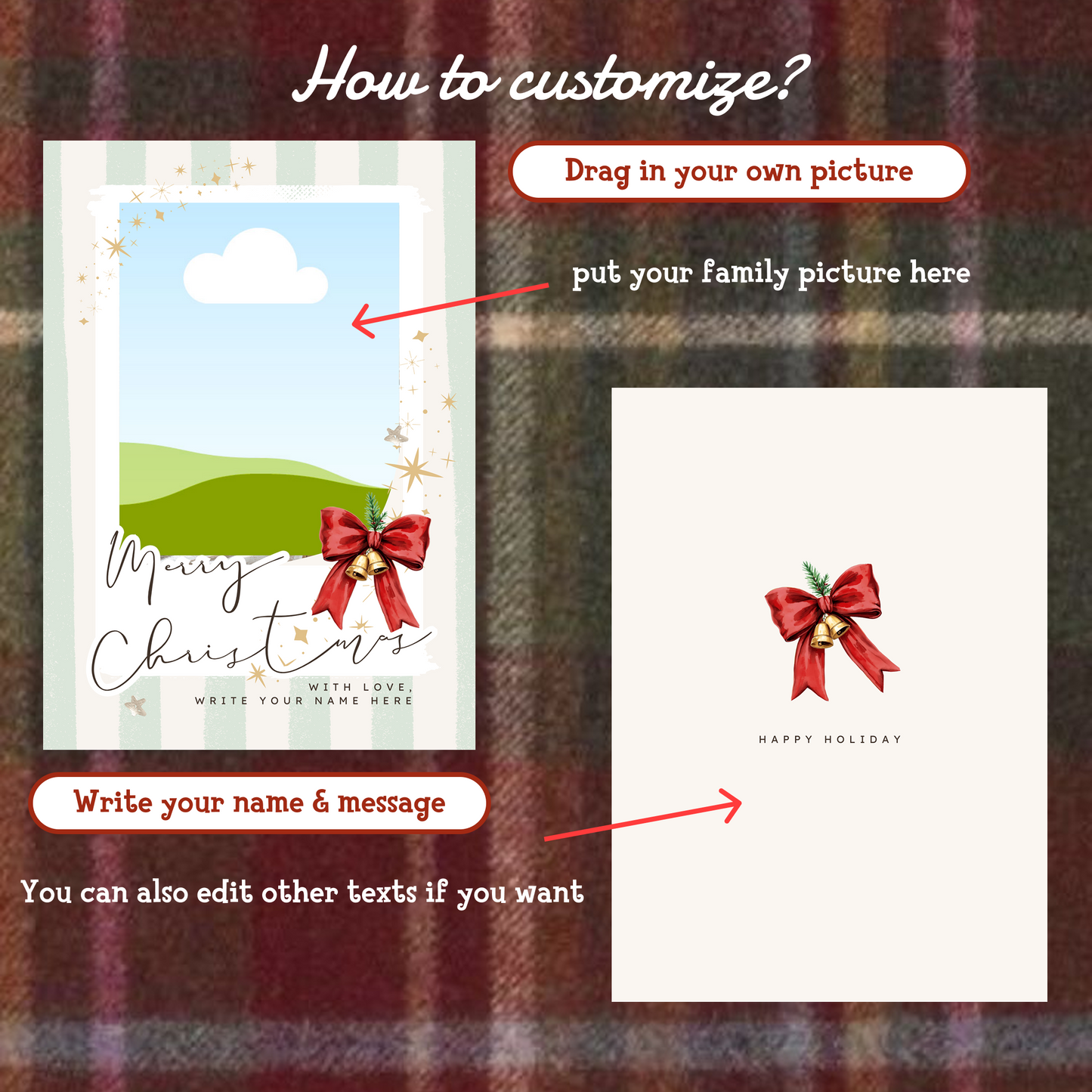
Create your own heartfelt Christmas cards in just minutes!
This Editable Christmas Card is a Canva template, making it super easy to customize — no design skills needed.
Perfect for holiday greetings, family cards, friends, co-workers, or last-minute Christmas wishes 🎁✨
✨ What’s Included
- Editable Christmas Card Template
- Fully customizable text, colors & elements
- High-resolution design for print or digital sharing
- Works directly in Canva
🎨 How It Works
- Purchase the product
- Get the canva template
- Edit your card in Canva (browser or app)
- Save, print, or send digitally 🎅🎄
✅ Why You’ll Love It
- Beginner-friendly & easy to edit
- Beautiful Christmas illustration design
- Instant download — perfect for last-minute holidays
- Reuse the template every year with different messages
Share

Frequently asked questions
How do I get my files after purchase?
After you complete your checkout, you’ll see a download link on the order confirmation page.
You’ll also receive a confirmation email with the same download link.Click the link to instantly download your files to your device. It will be a zip file(since it contains multiple files),please unzip it~
Didn’t get the email?
Check spam/junk folders. Still missing? Contact us — we’ll resend or provide a Google Drive link.
Why is it a ZIP file? How do I unzip it?
It needs to be a zip file to include multiple PDFs, PNGs, or fonts).
Here’s how to open it 👇
- Mac: Double-click to unzip automatically.
- Windows: Right-click → “Extract All” or open with WinRAR / 7-Zip.
- iPad / iPhone: 1. Open the Files app, then find the ZIP file or archive you want to uncompress.2. Tap the ZIP file or archive. A folder will be created containing the files(and u can see the files inside now~)
How to import the planner into my device?
Take Goodnotes as example,There are several ways to import:
- 、Open GoodNotes → tap “+” → Import → choose your downloaded file (from Files / iCloud / Dropbox).
- Or open your file in Files / Mail / Safari → tap “Share” → Open in GoodNotes / Copy to GoodNotes.
- You can also upload to your Drive or Dropbox, then open from there inside GoodNotes.
You can find a more detailed tutorial in our blog posts↓
More questions?
Our Blog has more how-to guides (and we’re still adding new ones!) — go take a look 💕